1
🏠
A shared home, one list.
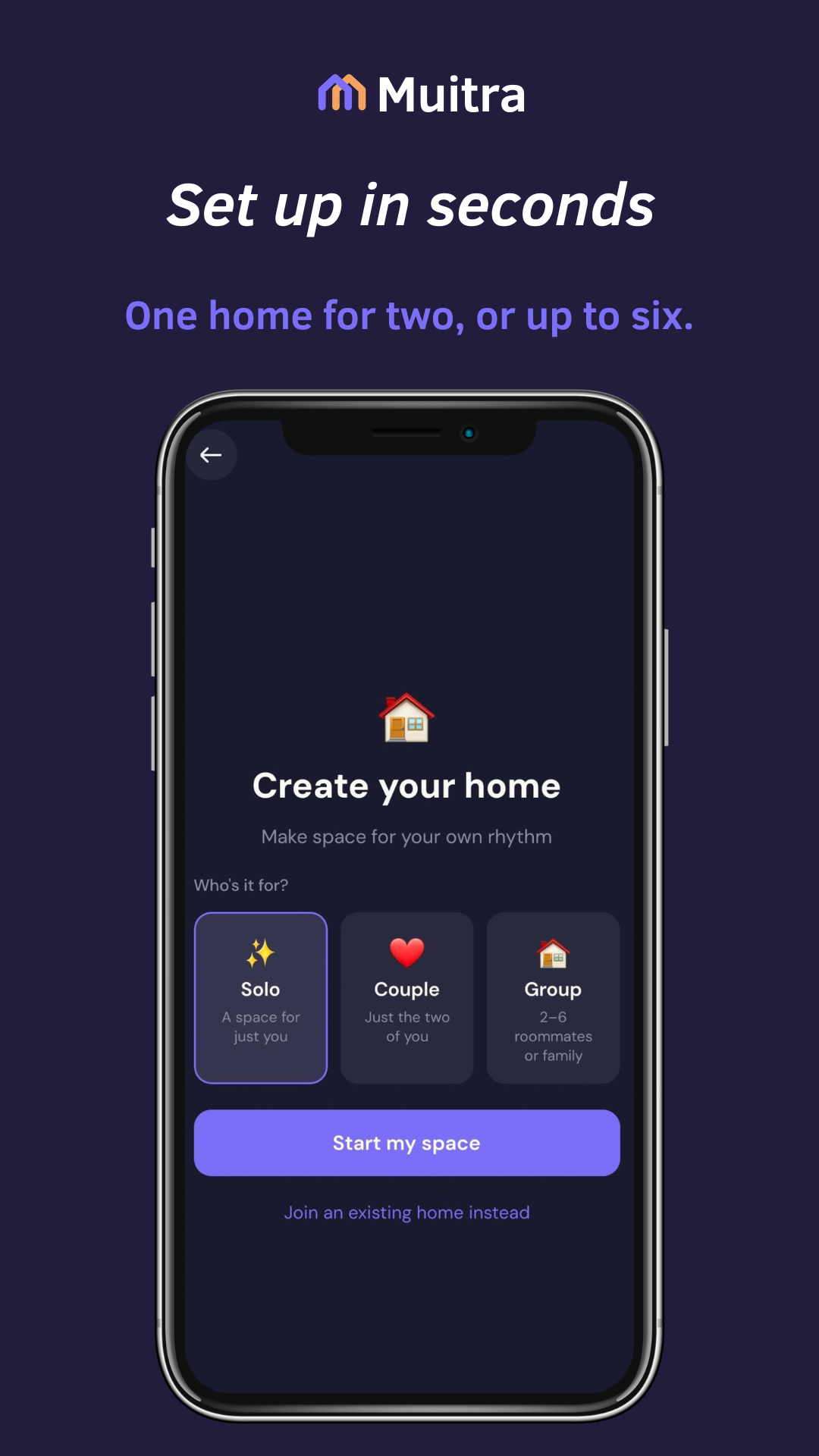
Start with a home for one, a couple or a group. Add routines for yourself or share tasks with others.
 Muitra
The quick tour
A shared home runs on small habits. Here's the whole idea in five short steps.
Start with a home for one, a couple or a group. Add routines for yourself or share tasks with others.
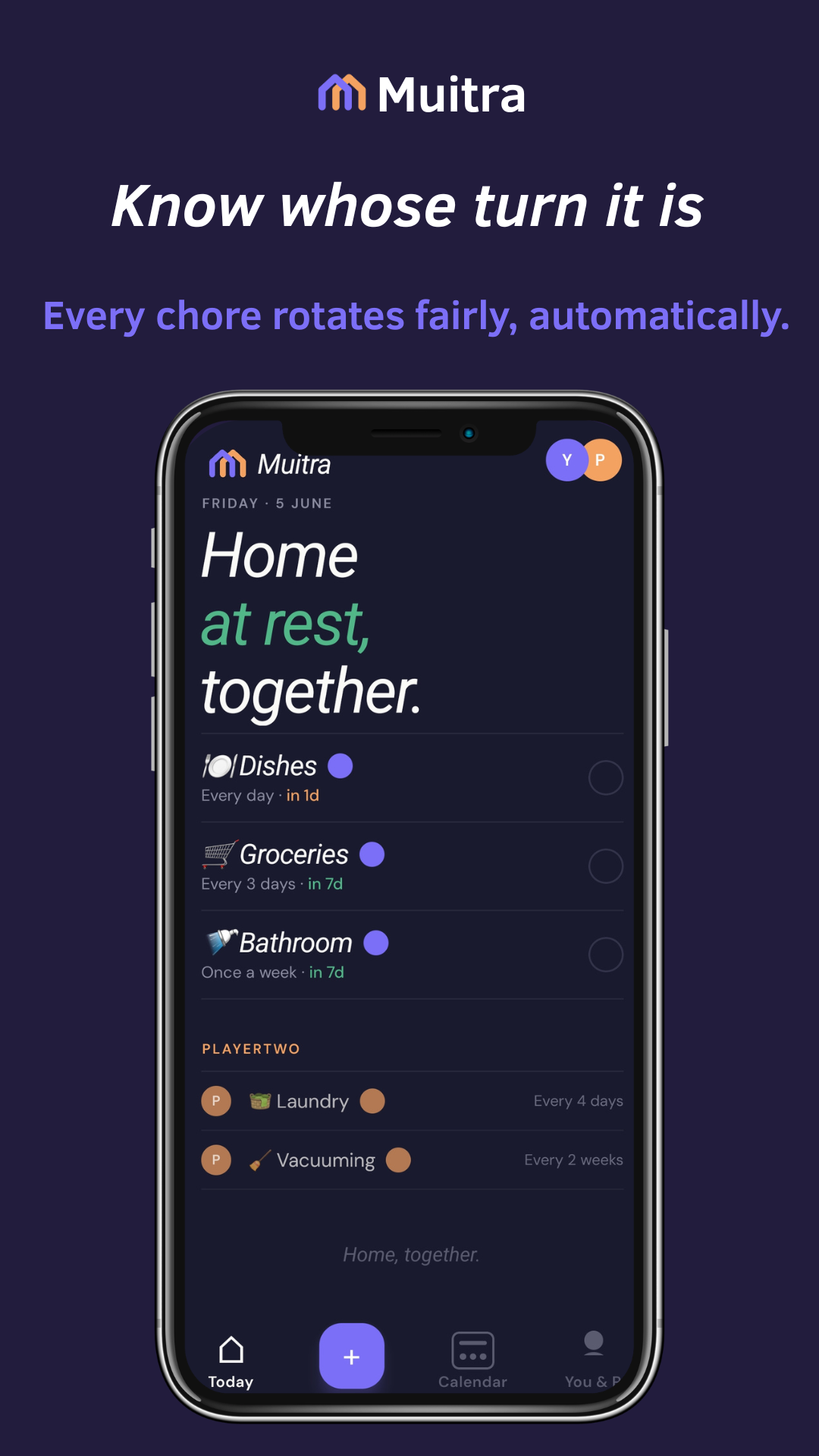
Today shows what's yours. Tap to complete — and the turn passes to whoever's next.
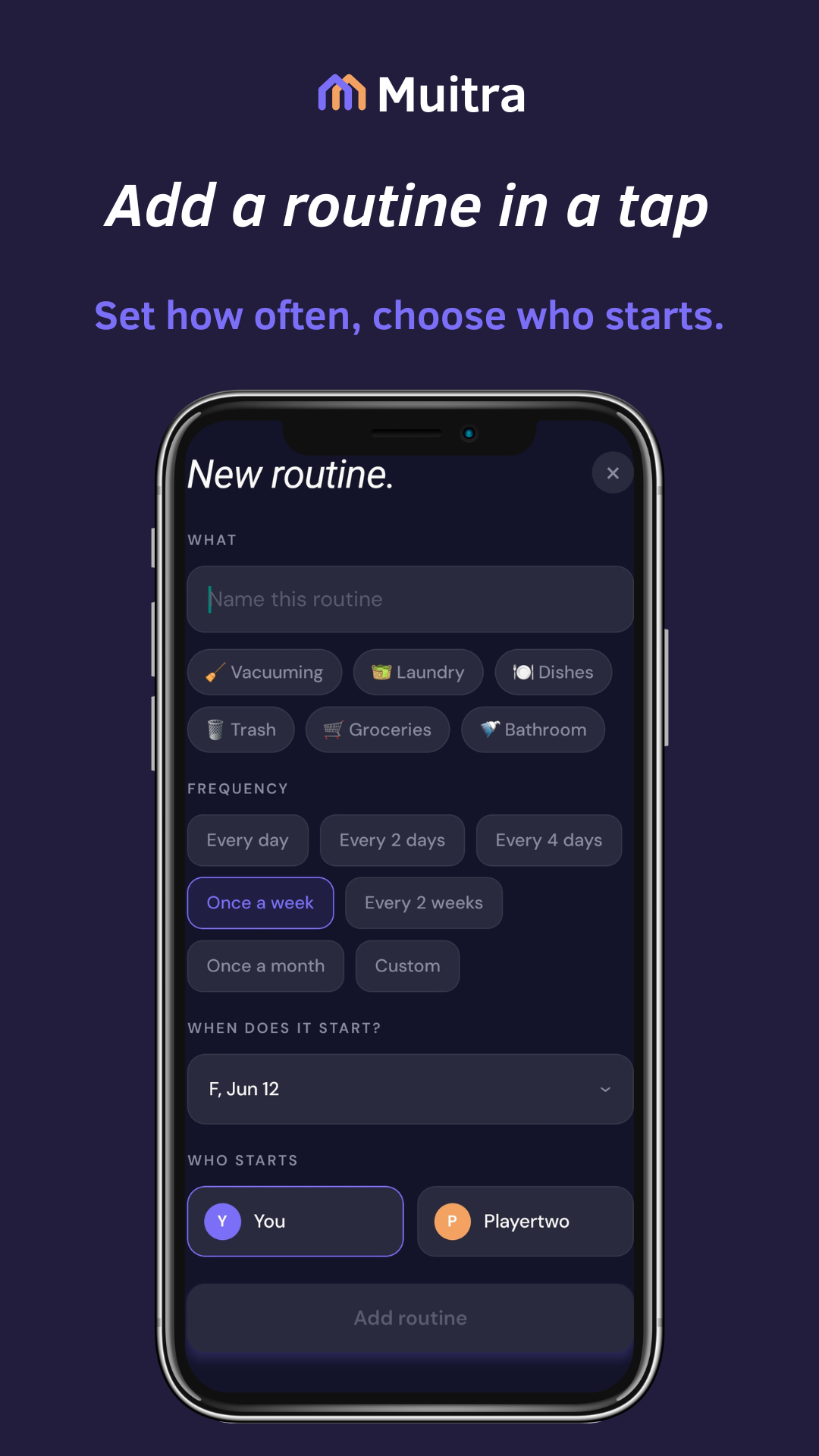
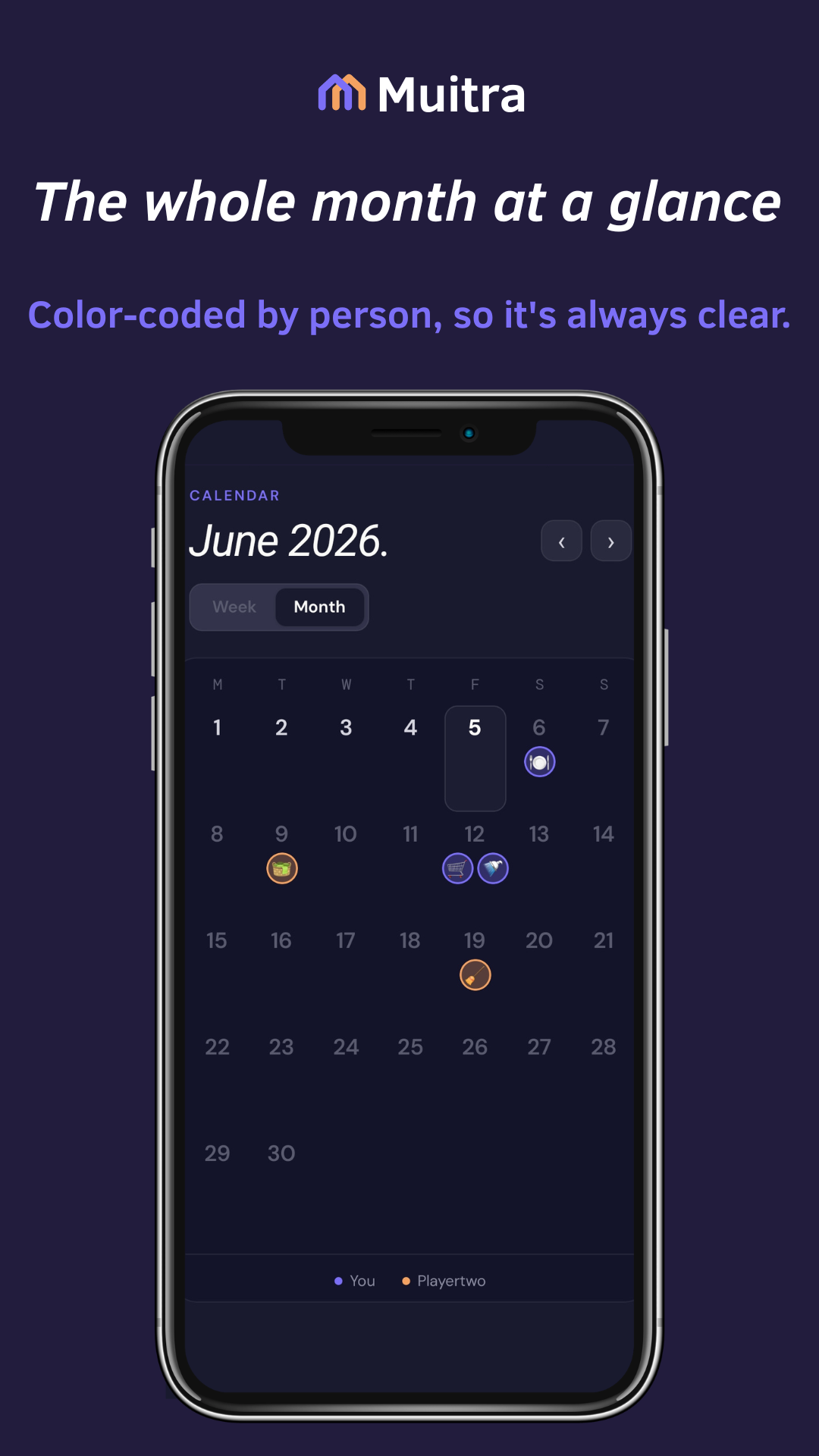
Tap + to add a task and how often it repeats. Start a custom task's name with an emoji to spot it at a glance in the Calendar.
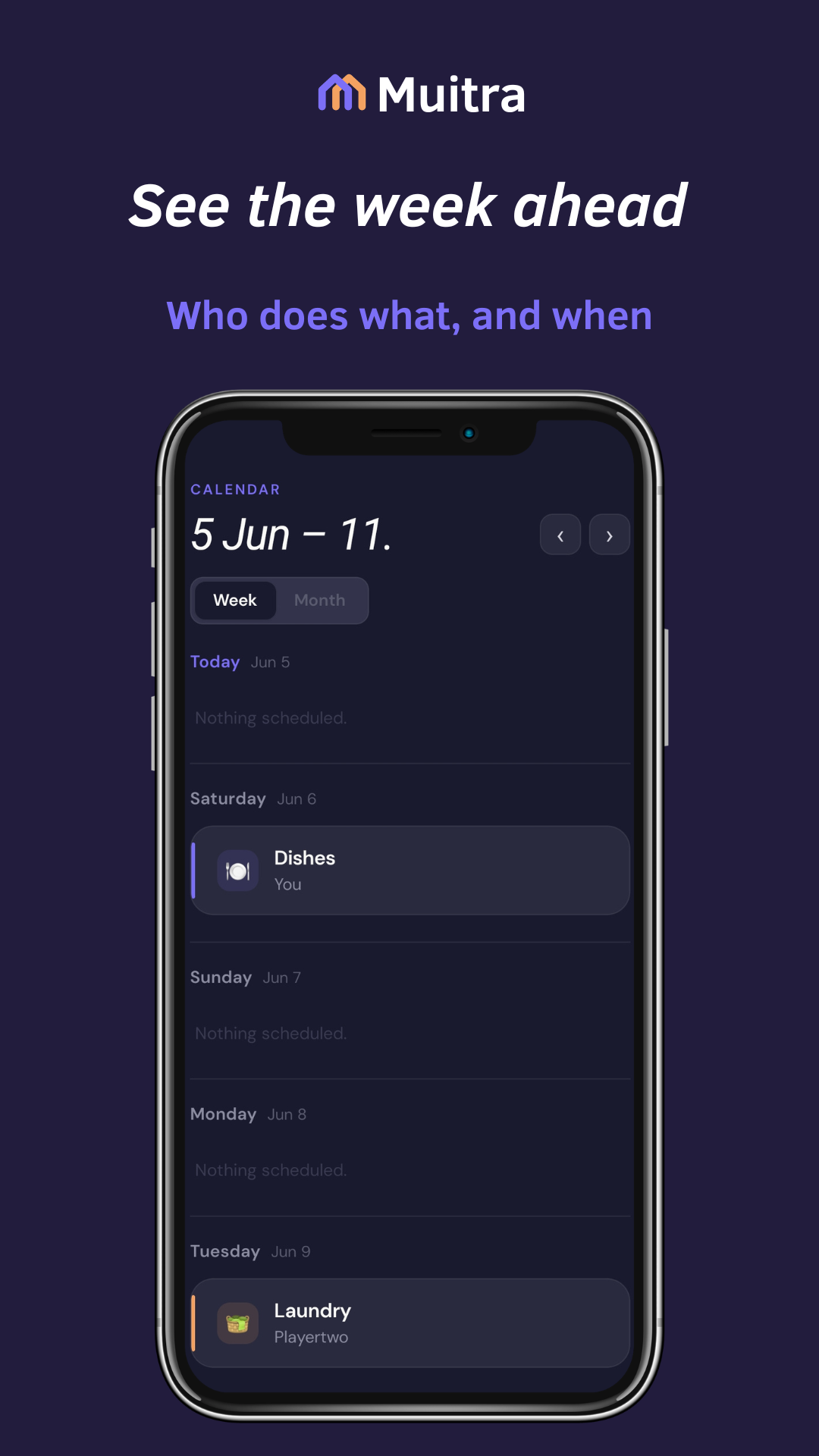
Tap Week for a day-by-day agenda, or Month for the whole picture at a glance — each task colored by who's on it.
For shared routines, Muitra keeps turns balanced between the selected people. Solo routines stay with you.
Progress
Each shared task moves your household forward.
Shared task milestones
Swipe to explore the milestones
Shared progress begins when a second member joins, and each eligible shared completion counts once. The first badge needs 1 completion. Later milestones pair 10, 25, 100, 500 and 1,000 completions with 1, 1, 4, 13 and 26 balanced weeks. Separate rhythm badges mark 1, 4, 13, 26 and 52 balanced weeks.
In one household-local Monday-to-Sunday week, at least 4 shared tasks must be completed by at least 2 contributors, with no one doing more than 70%. The week is counted after it ends. Balanced weeks accumulate; they do not have to be consecutive.
Every completed task builds your own rhythm.
Personal task milestones
Swipe to explore the milestones
Eligible personal tasks completed while you are the only member count toward solo achievements. Completion milestones are 1, 10, 25, 100, 500 and 1,000 tasks. Rhythm badges arrive at 4, 13, 26 and 52 distinct active weeks; a break does not erase progress.
Muitra is live on iPhone and Android. Open the download section and pick your store.
Get the app